
Gopro Battery
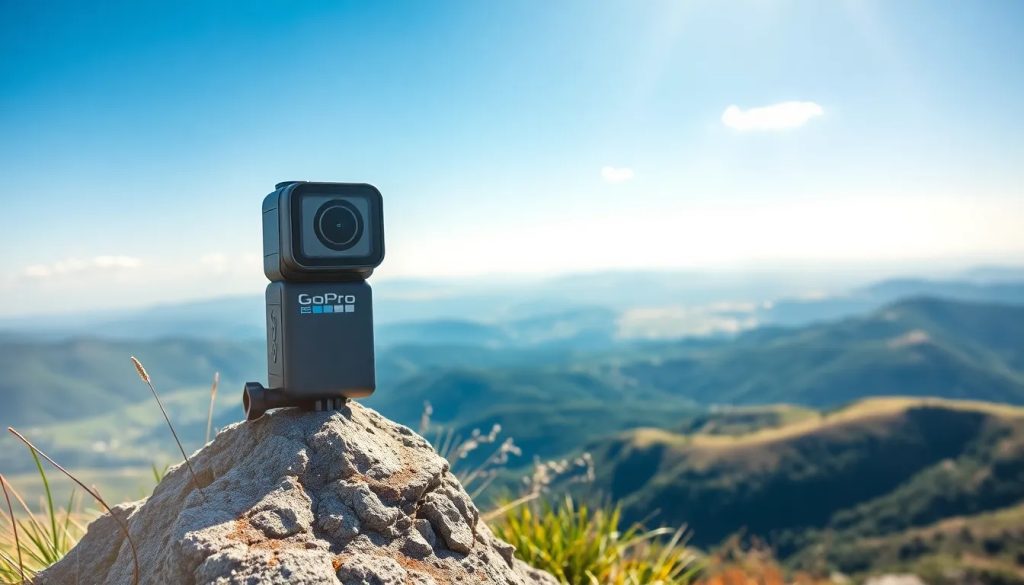
When it comes to capturing life's most thrilling moments, GoPro cameras are often the go-to choice for adventurers and action enthusiasts. One crucial component that powers these compact devices is the GoPro battery, which ensures you can keep recording without missing a beat. Understanding your GoPro's power source, from the different types available to maximizing its performance, can significantly enhance your filming experience.
Whether you're looking to replace an old battery, extend your filming time, or simply learn about your device's power requirements, this article aims to provide an all-encompassing guide. Let's delve into what you need to know about GoPro batteries, ensuring you're never caught off-guard without power during your next adventure.
What are the different types of GoPro batteries?
GoPro cameras have evolved over the years, and so have their batteries. Each model may require a specific type of battery, which means it's crucial to know which one is compatible with your device. The main types of GoPro batteries include lithium-ion batteries designed for various Hero models. Each has its capacity and design tailored to fit the camera's power needs and physical dimensions.
For instance, the GoPro Hero 8 and GoPro Hero 9 models have distinct batteries that are not interchangeable due to size and power capacity differences. Additionally, the latest model, GoPro Hero 12, may come with even more advanced battery features to support new functionalities. It is important to check compatibility before purchasing a replacement or spare battery.
- GoPro Hero 7 battery
- GoPro Hero 8 battery
- GoPro Hero 9 battery
- GoPro Hero 10 battery
- GoPro Hero 12 battery
How to replace your GoPro battery?
Replacing your GoPro battery is a straightforward process, but it's essential to do it correctly to avoid damaging your camera. Start by turning off your GoPro and opening the battery door, which is typically located on the bottom or side of the camera. Gently release the old battery by pressing on the release tab or pulling the battery tab.
Next, take your new or charged battery and insert it into the battery compartment. Make sure the contacts align properly and that it's fully seated. Close the battery door securely, and you're ready to power up your GoPro. Remember, using only compatible batteries is key to maintaining the integrity and functionality of your device.
It's also worth noting that some GoPro models may have integrated batteries, which are not designed to be replaced by the user. In these cases, if you encounter battery issues, contacting GoPro's customer service for support may be necessary.
What is the battery life of GoPro cameras?
The battery life of a GoPro camera can vary widely based on several factors, including the model of the camera, the settings being used, and the environment. For instance, shooting in 4K will drain the battery faster than recording in lower resolutions. Likewise, colder temperatures can negatively impact battery performance and lifespan.
On average, a fully charged GoPro battery can last anywhere from 1 to 3 hours, with newer models generally featuring better battery life due to advancements in power efficiency. Learning how to manage your camera's settings and preparing with spare batteries or a power bank can help you extend your recording sessions.
How to maximize GoPro battery performance?
To get the most out of your GoPro battery, there are several tips and tricks you can employ. First and foremost, keep your batteries and camera firmware updated to ensure optimal performance. Reducing the screen brightness and turning off unnecessary features like Wi-Fi and voice control can also conserve power.
Moreover, carrying spare batteries and keeping them warm in cold conditions will help maintain their charge. When not in use, it's advisable to remove the battery from the camera to prevent slow discharge. Always store batteries in a dry, cool place to prolong their life.
GoPro battery charger: what you should know
A proper charging routine is paramount for maintaining the health of your GoPro battery. Using the official GoPro battery charger can ensure safe and efficient charging. It's also possible to charge your GoPro directly via USB, but this may take longer and won't allow you to charge multiple batteries simultaneously.
Some chargers come with features such as LED indicators to show charging status and the ability to charge two or more batteries at once. Always follow the manufacturer's instructions and avoid exposing the battery or charger to high temperatures to prevent damage.
What are the best accessories for GoPro batteries?
Enhancing your GoPro experience often involves investing in accessories that support your battery needs. Battery cases can keep your spares protected and organized, while power banks offer extended charging capabilities when you're away from traditional power sources.
Dual battery chargers are a popular choice for those looking to charge multiple batteries quickly and efficiently. Additionally, silicone covers can help insulate your batteries in colder environments, potentially giving you more shooting time.
- Dual battery charger
- Protective battery cases
- High-capacity power banks
- Silicone battery covers for insulation
Understanding the basics of your GoPro's power source, including best GoPro battery replacement options and tips for charging GoPro batteries efficiently, is essential for uninterrupted filming. By knowing the ins and outs of GoPro battery care, you can ensure your camera is always ready to capture the action when it counts.
Recommended: